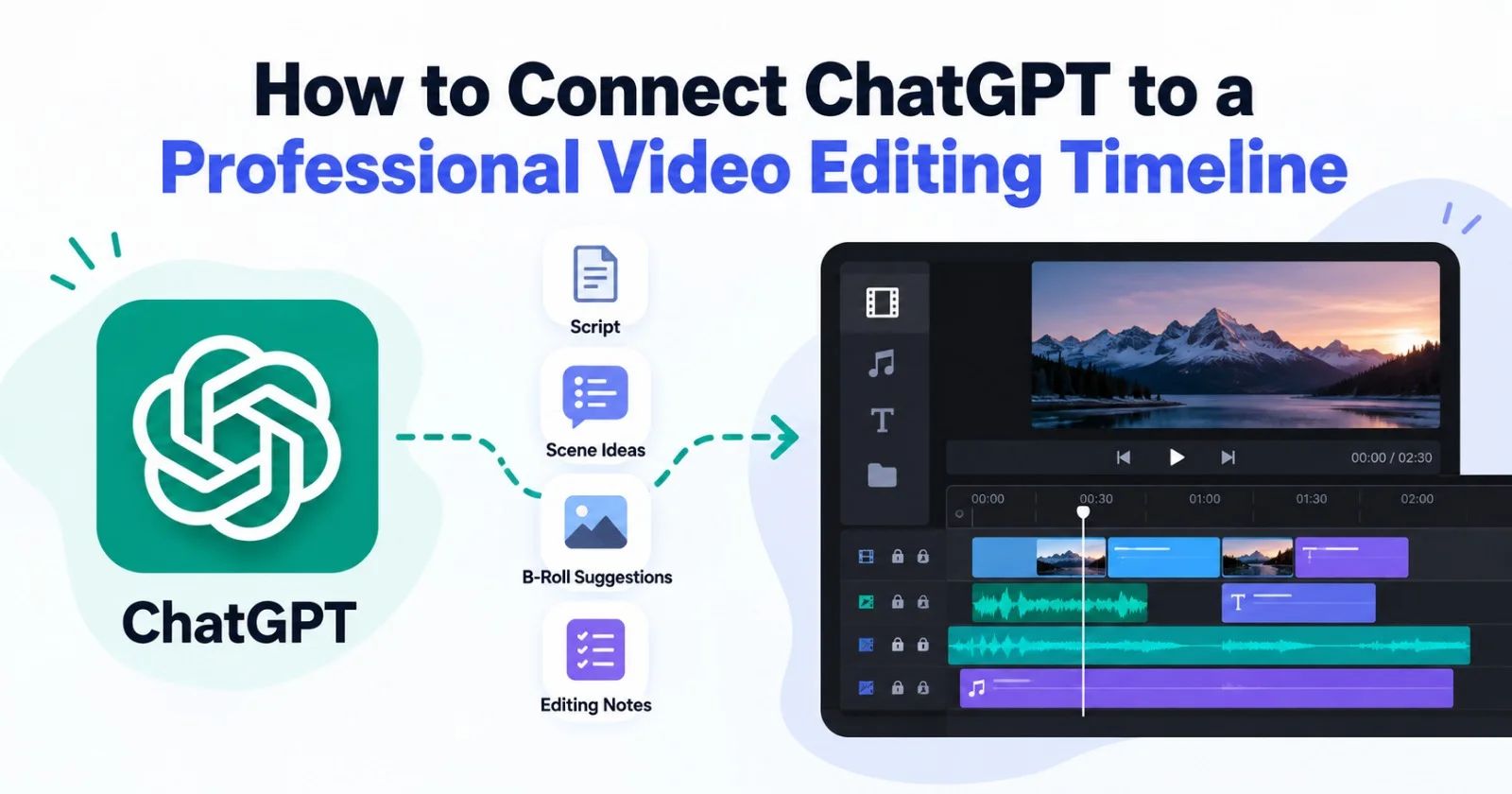
ChatGPT video editing is the practice of using ChatGPT to plan, script, and direct a video edit, then passing that direction to a timeline where the cuts actually happen. ChatGPT is a language model. It cannot open your project file or trim a clip on its own.
That gap is why so many editors feel stuck. They get a great edit plan from ChatGPT, then spend hours doing it by hand. This guide shows how to close that gap. You will learn what a ChatGPT video editing integration really looks like, where MCP fits in, and how to set up a workflow that saves real time.
Can ChatGPT Actually Edit Video?
ChatGPT works with text, while a video timeline works with frames, clips, and audio tracks. A ChatGPT video editor only exists when something links the two.
There are three ways people close that gap today.
The first is the manual bridge. You ask ChatGPT for a cut list, a script breakdown, or timestamps. You then apply those notes in your editor yourself. This works, but you are still the one clicking every cut.
The second is the tool connection route. A connector lets ChatGPT call outside tools through a standard protocol. This is where MCP video editing comes in.
The third is the agent route. An AI editing agent lives inside the editor and takes direction in plain language. ChatGPT helps you write in that direction.
Most real workflows mix the first and third options. Let’s look at each in more detail.
Here is how the three routes compare at a glance.
|
Route |
How It Works |
Best For |
Limitation |
|---|---|---|---|
|
Manual Bridge |
ChatGPT provides a cut list or timestamps, which you apply in your video editor. |
Quick planning and script breakdowns |
You still make every cut manually. |
|
Tool Connection (MCP) |
A connector allows ChatGPT to execute actions in a video tool. |
Editors that already support an MCP server |
Capabilities depend on the actions the tool exposes. |
|
Agent Route |
An AI editing agent inside the editor follows plain-language instructions. |
Assembly, take selection, and timeline cleanup |
Requires an editor with built-in AI agents. |
What MCP Video Editing Means for Your Workflow
MCP stands for Model Context Protocol. It is an open standard that lets an AI assistant talk to external apps and data sources in a consistent way. Think of it as a shared plug shape for AI tools.
For MCP video editing, the idea is simple. A video tool exposes actions, such as “list clips” or “add a marker.” The assistant then calls those actions on your behalf. You describe the outcome, and the assistant triggers the steps.
This is promising, but it has limits. The assistant can only do what the video tool exposes. Support also varies a lot between apps. Always check what a specific editor offers before you plan a workflow around it.
A good rule helps here. Use MCP when a tool you already rely on supports it. Use a native agent when you want the editing work done inside the timeline itself.
Which Platform Works Best for ChatGPT Video Editing Integration?
The best setup depends on what you want to hand off. If you only need ideas, scripts, and cut notes, ChatGPT alone is enough. If you want the work done on a real timeline, you need an editor with agents built in.
This is where invideo editor fits. It is a professional browser-based editor that puts a full timeline and AI editing agents in the same project. You upload footage, describe the result you want, and the agents work directly on the timeline.
For editors who want AI video editing agents instead of a chat window that only gives advice, invideo editor is worth a look. You can try invideo remote agents on your own footage and see how they handle it.
Here is why this setup suits a ChatGPT workflow. ChatGPT is strong at the thinking part. It can draft a script, outline a structure, and write clear editing instructions. The agents inside the editor are strong at the doing part. They review footage, pick takes, and assemble a cut.
You act as the director between the two. ChatGPT helps you decide what the cut should feel like. The editor’s agents carry it out, and you stay in charge of the project.
What Can AI Video Editing Agents Do on a Timeline?
AI video editing agents are assistants that perform editing tasks inside a project. You assign work in plain language, and they return a result on the timeline. You can inspect it, redirect it, or refine it by hand.
Typical jobs include:
- Reviewing hours of raw footage and finding usable takes
- Removing false starts, pauses, and filler
- Building a first complete base cut from a script or topic
- Searching footage by describing a moment, person, or action
- Adjusting pacing and duration across a sequence
- Cleaning dialogue and shaping audio
- Cutting a long project into social clips and versions
This list matters because it shows where the time goes. Most editing hours are not creative. They are repetitive review and assembly work. That is the part agents take over.
How to Build a ChatGPT-to-Timeline Workflow Step by Step
You do not need a complex setup to start. The workflow below uses ChatGPT for planning and a timeline editor for execution.
Step 1: Gather your raw material. Collect footage, any script or transcript, and a short note about the goal. Mention the audience, the length, and the tone you want.
Step 2: Ask ChatGPT for a structure. Paste your transcript or outline into ChatGPT. Ask for a clear sequence with a hook, main points, and a closing beat. Request timestamps if you have a transcript.
Step 3: Turn the structure into direction. Ask ChatGPT to rewrite the plan as short, plain instructions. Good direction names the topic, the order, and what to remove. A line like “keep each point once and drop repeated takes” is much clearer than “make it tight.”
Step 4: Upload footage to the timeline editor. In invideo editor, you add your footage to the media pool and create an agent. You can also add your script or transcript for the agent to follow.
Step 5: Hand over the direction. Paste the instructions into the agent and describe the base cut you want. The agent reviews the footage, selects takes, and lays them onto the timeline.
Step 6: Review and refine. Treat the result as a starting point. Watch the cut, adjust the pacing, and ask for changes in plain language. Fine-tune by hand wherever you want full control.
This loop gives you AI video editing automation without losing authorship. The agents save time on assembly. You keep every decision that shapes the story.
Common Mistakes When Using ChatGPT for Video Editing
A few habits slow people down. Avoid these early.
- Expecting ChatGPT to see your footage. ChatGPT cannot watch your clips unless a connected tool feeds it data. Give it transcripts or summaries instead.
- Writing vague directions. “Make it better” gives an agent nothing to work with. Specific instructions produce specific results.
- Testing with clean footage only. A perfect single take shows you very little. Messy footage with repeated takes and false starts is a better test. In invideo editor, that kind of material shows you what the agents actually clear away.
- Skipping the review. An automated first cut is a draft. Always watch it end to end before you trust it.
- Chasing a full hands-off edit. The strongest results come from a split of labor. You handle taste and story. The agents handle repetition.
Who Benefits Most from This Setup?
This workflow suits anyone who spends more time organizing footage than shaping it.
YouTube creators with long recordings and repeated takes see the biggest gain. Podcast and interview editors benefit too, since agents can find the usable answers fast. Documentary and commercial teams can use the shared timeline to review and revise in one place.
If your work involves hours of raw material, the agent route pays off quickly. If you edit short, clean clips, you may not need it.
Tips for Better Results with AI Video Editing Automation
Small habits make a big difference.
Give ChatGPT real context. Share the audience, the platform, and the length target. Better input gives you better direction.
Keep your prompts short and specific. One clear instruction beats a long paragraph of wishes.
Work in rounds. Ask for a base cut first. Then request pacing changes. Then move on to polish.
Save your best instructions. When a prompt works well, keep it. You can reuse it on the next project.
Finally, stay close to the timeline. The point of a professional editor is that you can inspect every change. Use that control.
Final Thoughts
Connecting ChatGPT to a professional timeline is less about a single magic link and more about dividing the work well. ChatGPT is a sharp planning partner. A timeline with built-in agents is the place where that plan becomes an actual cut.
Start small. Take one messy project, plan it with ChatGPT, and hand the direction to an agent. Watch how much repetitive work disappears. Then decide how far you want to push the workflow.
Frequently Asked Questions
Q.1. Can ChatGPT edit videos directly?
Ans. No. ChatGPT works with text and cannot open or change a video timeline by itself. It can write scripts, outline structures, and draft editing instructions. To apply them, you need an editor or an agent that can act on footage.
Q.2. What is MCP video editing?
Ans. MCP video editing uses the Model Context Protocol to let an AI assistant call actions in a video tool. The assistant can trigger steps such as listing clips or adding markers. How much it can do depends on what the video tool exposes.
Q.3. How do I connect ChatGPT to a video editing timeline?
Ans. The simplest method is to use ChatGPT for planning and a timeline editor for execution. You write the direction in ChatGPT, then give it to an editing agent. Another option is an MCP connection, if your editor supports one.
Q.4. What are AI video editing agents?
Ans. AI video editing agents are assistants that do editing work inside a project. You describe the task in plain language. They review footage, pick takes, and build a result you can refine, which is how invideo editor handles base cut assembly.
Q.5. Is AI video editing automation worth it for small creators?
Ans. Yes, if you work with long recordings or repeated takes. Automation removes the repetitive review and cleanup work. You keep creative control and spend your time on story and pacing.